
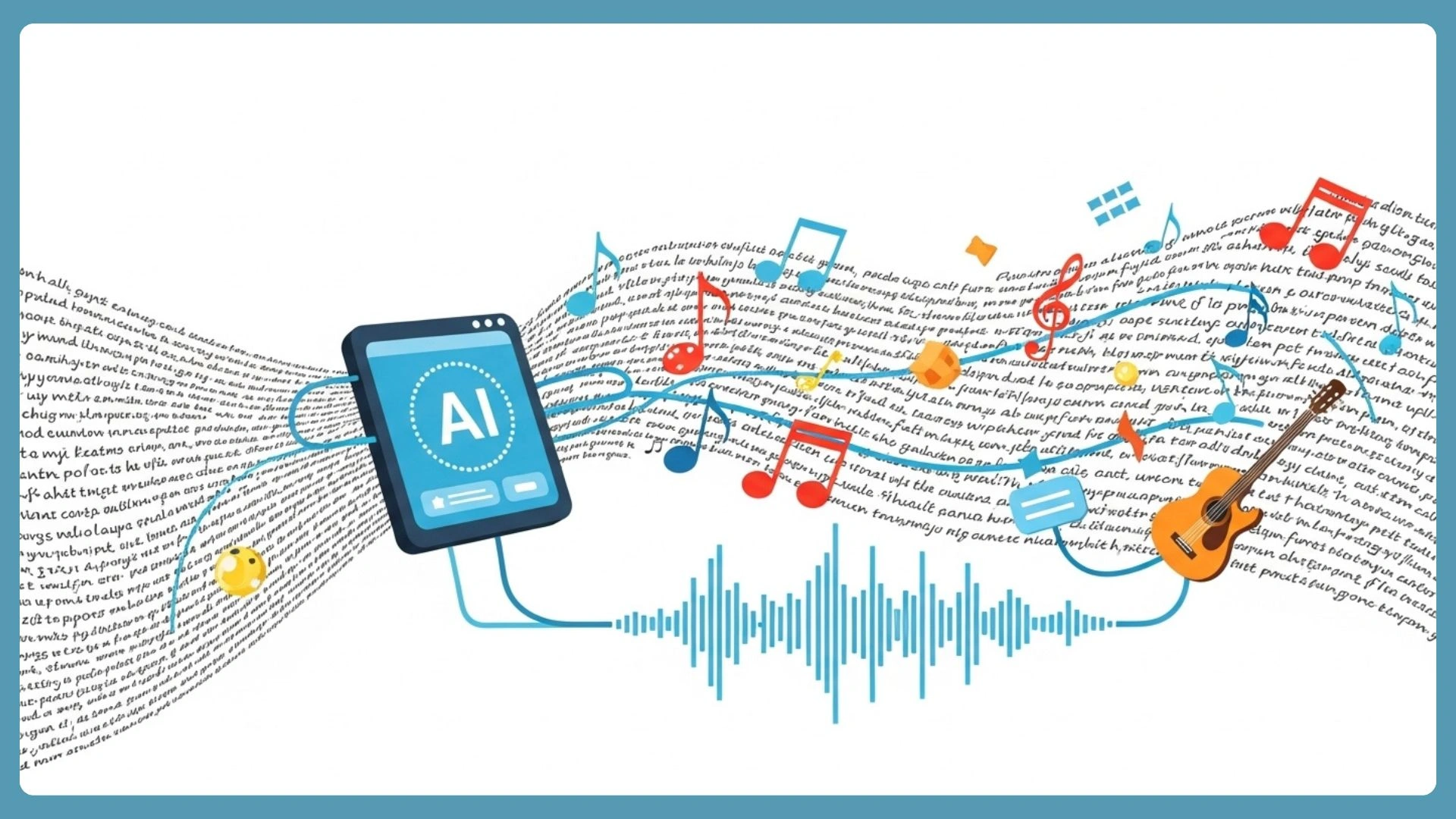
If you’ve ever typed “upbeat background music for YouTube” into a stock library and scrolled through 400 tracks that all sound the same, you already understand the problem. Most content creators aren’t musicians. We can’t read sheet music, we don’t own a MIDI keyboard, and we definitely don’t have time to learn a DAW from scratch. What we do have is a clear idea of what we want a track to feel like—and until recently, translating that feeling into actual audio meant hiring someone or settling for generic loops. an AI Music Generator would definitely be the solution.
Create Music AI takes a different approach: describe your music in plain text, and the AI builds a complete track around your words.
What It Actually Does
At its core, this is a text-to-music platform. You write a prompt — anything from “a chill lo-fi beat with rain sounds” to full song lyrics with labeled sections — and the AI generates a complete arrangement with melody, instruments, and optionally vocals. Tracks can run up to 8 minutes, and every output comes with a commercial license for use on YouTube, TikTok, Spotify, podcasts, and client work.
The interface offers two paths: Simple Mode for quick prompt-based generation and Custom Mode for users who want to paste lyrics, tag song structure (Verse, Chorus, Bridge, Outro), and define style parameters in detail. As far as ai music generator tools go, the balance between simplicity and depth here is hard to beat.
Key Features Worth KnowingPrompt-to-Song in 30 Seconds
Type a description into the Prompt field — up to 500 characters in Simple Mode—and the AI returns a playable track in as fast as 30 seconds. I tested this with “a warm acoustic folk track with female vocals and gentle guitar,” and the result was surprisingly close to what I had in mind. The turnaround alone changes the workflow: instead of searching for the right track, you generate candidates and pick the best one.
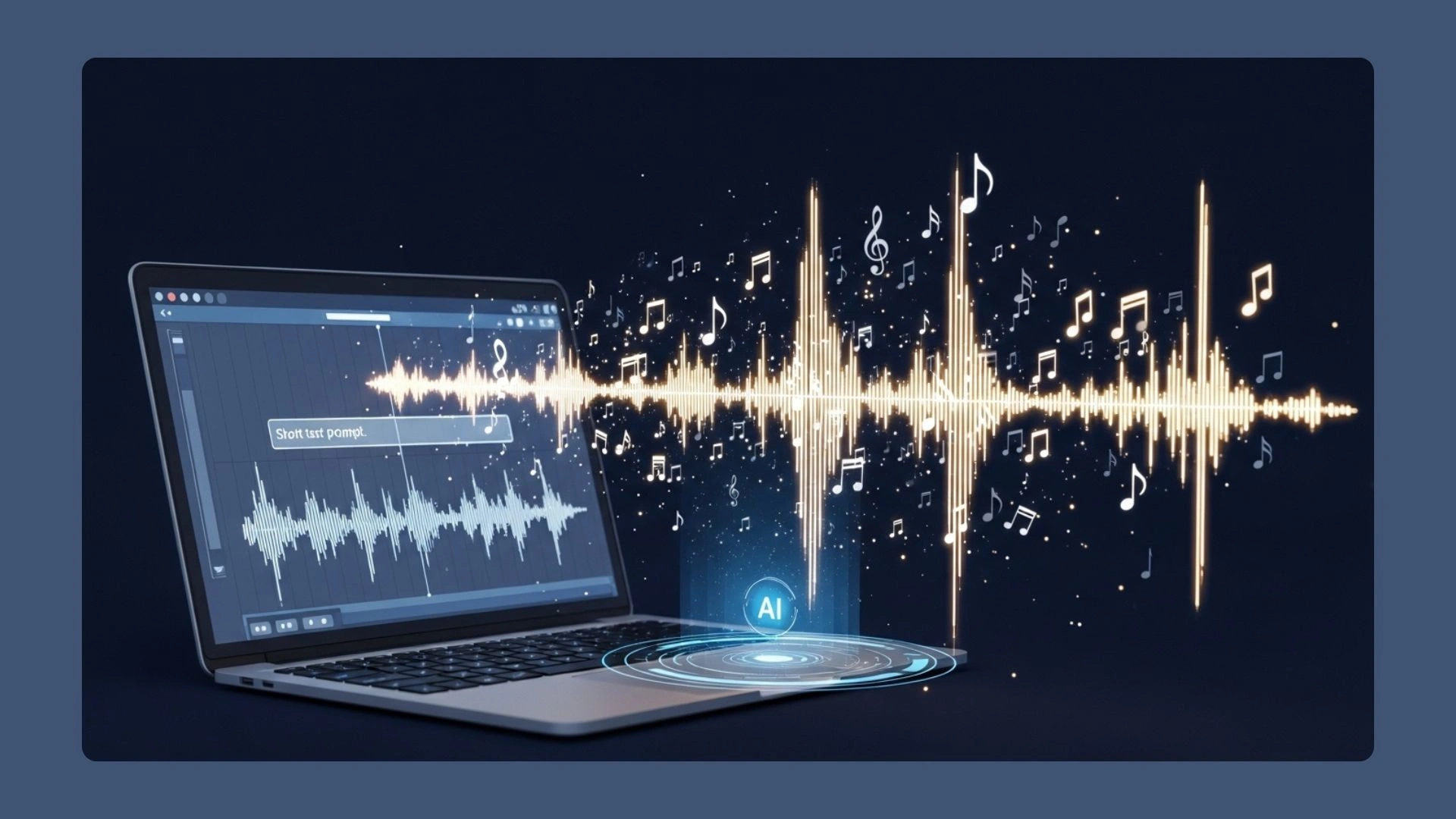
Granular Style Control
Beyond the text prompt, you can layer on tags across five dimensions: Genre (40 options from Boom Bap to City Pop to Classical), Mood (15 tags like Nostalgic, Aggressive, Soothing), Instrument (14 choices including Cello, Harmonica, Organ), Ambience (Vinyl, Rain, Campfire, and more), and Vocal Gender. These filters stack on top of your prompt, giving the AI a tighter creative brief without requiring any musical vocabulary.
Lyrics-First Creation in Custom Mode
Custom Mode is where text-to-music gets serious. You paste full lyrics into the Lyrics field — up to 5,000 characters—and use the tag button to label each section as Verse, Chorus, Bridge, or Outro. The AI reads these structural cues and shapes the arrangement around them: verses stay understated, choruses lift, and bridges shift dynamics. If you don’t have lyrics ready, the Auto Generate button drafts a full set based on your Style description — I tried it with “nostalgic road trip song, male vocals” and got a usable first draft in seconds, though I ended up rewriting most of the second verse by hand to make it feel more personal.
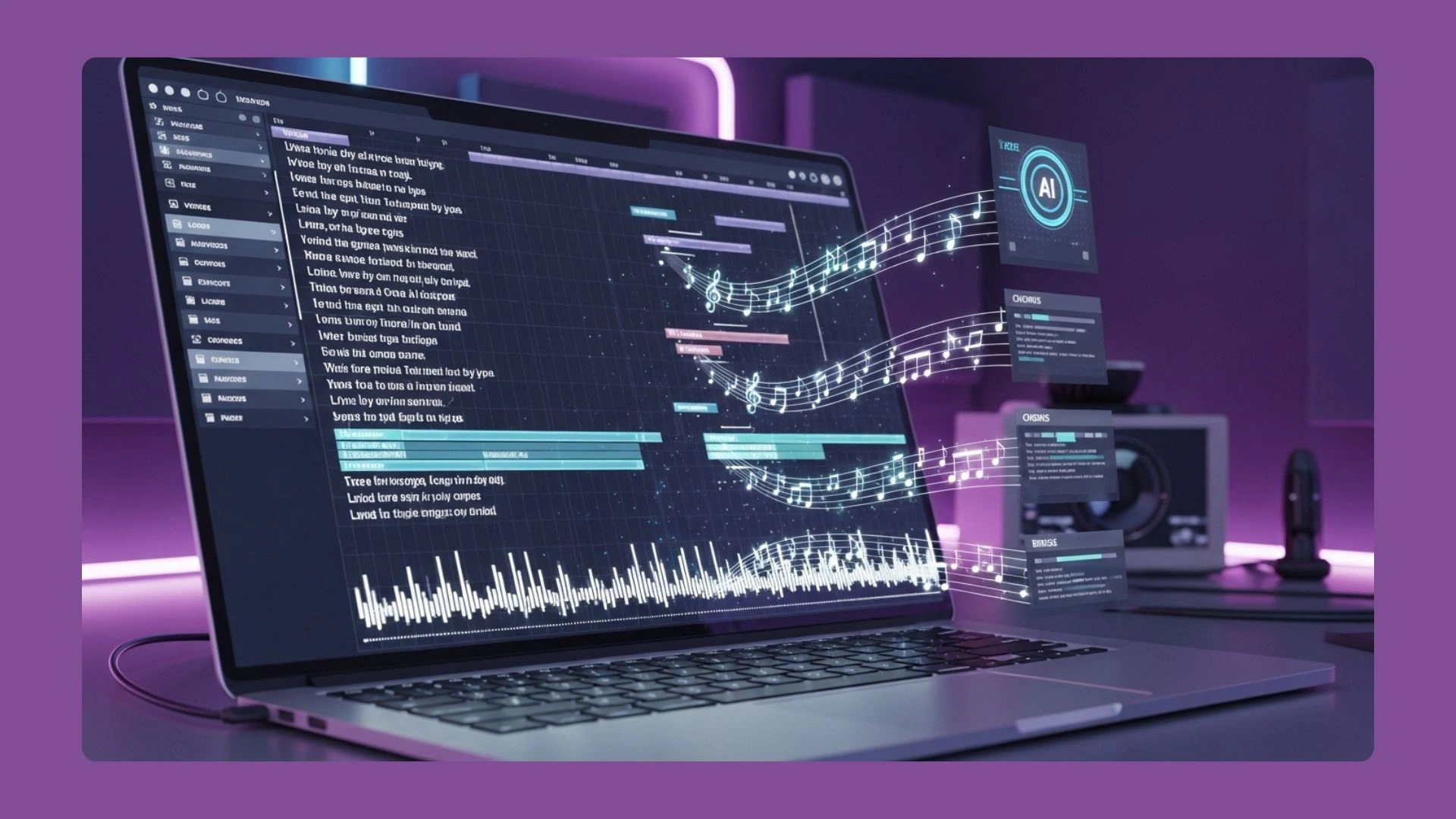
Section-Level Editing and Extending
After generating a track, the Remix/Edit menu lets you Replace Section—isolating just a chorus or bridge and regenerating it with a different description while keeping the rest intact. I used this to fix a bridge that felt too energetic for a calm outro, and the replacement blended seamlessly. The Extend option is equally useful: it adds length to a finished track without regenerating the whole thing, which is ideal when you need a 3-minute podcast intro stretched to fill a 5-minute segment. You can also run any track through the built-in ai vocal remover to strip vocals for an instrumental version—handy for creating background music from a vocal track you’ve already generated.
Where It Falls Short
Producers who rely on per-instrument automation, plugin routing, and stem-by-stem mixing will still need a DAW for post-production — this tool is your starting point, not your mixing desk.
What You’re Probably Wondering
The first question most creators ask is whether the music is actually safe to use commercially—and the answer is yes. Every track comes with a commercial license that covers YouTube monetization, Spotify releases, TikTok, podcasts, ads, and client work. No copyright claims, no surprise takedowns.
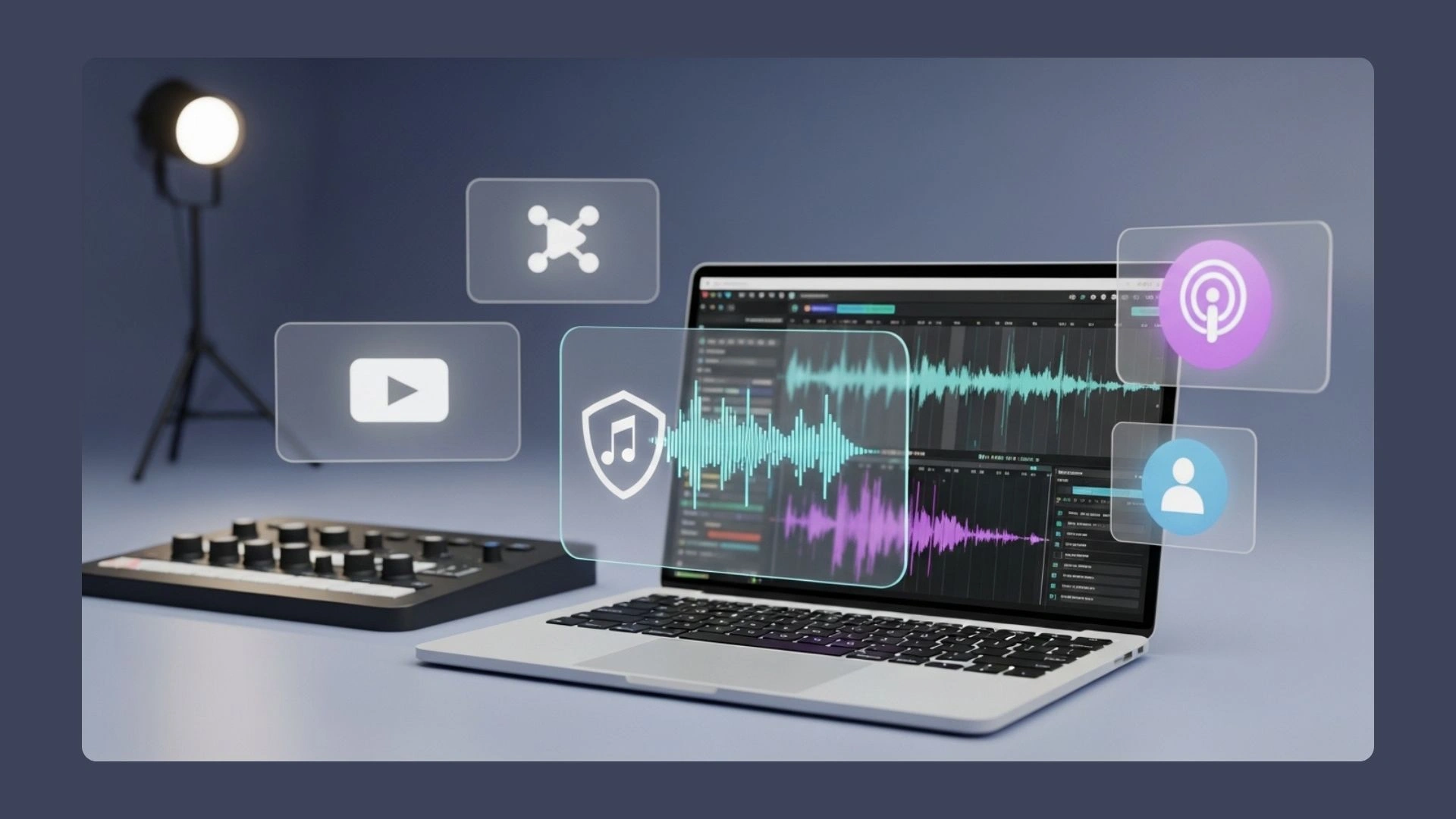
The second thing people worry about is the learning curve, but there really isn’t one. The entire interface runs on text descriptions and clickable tags — if you can type “chill acoustic with soft drums” and pick a mood from a list, you already know enough to generate your first track. Downloads come in MP3 and WAV, both production-ready, and each file includes a license certificate you can keep on hand if a platform ever asks.
The Bottom Line
For content creators who need original music but don’t have a music production background, Create AI Music Generator removes the biggest barrier: the gap between knowing what you want and being able to make it. The text-to-music workflow is genuinely fast, the style controls are deep enough to get close to your vision on the first or second try, and the commercial license means you can use everything you generate without looking over your shoulder. Whether you’re scoring a YouTube series, building a podcast identity, or just tired of stock music that sounds like everyone else’s — this is the tool that finally closes the gap. The nandbox App Builder lets creators and businesses make new, music-focused mobile apps without having to write any code.